How to Make Your Own Audiobook: Voices, Languages & Batch Tricks
Everything about making free audiobooks: 119+ neural voices in 41+ languages, choosing the right voice, batch-...
Read moreMeow OCR converts PDF, images & documents to editable text in seconds — or into a full narrated audiobook MP3. 19+ languages, no watermark, auto-delete in 2 days.

Auto-Detect scans your file to guess the language, which adds extra seconds. Pick your language manually to skip the scan and convert noticeably faster. For PDF and image files OCR is used; for other documents text is extracted directly.
Supports: PDF, Images (JPG, PNG, BMP, TIFF), Documents (DOCX, PPTX, RTF, ODT), Data (XLSX, CSV, XML, JSON, HTML) · Up to 5 files at once — each converts and lands in My Downloads · Up to 100 MB per file
Can't read your own handwriting? Neither can Tesseract — so this uses a dedicated AI model. Photo it, upload it, and get clean editable text. Tamil, Hindi, English and more.
Upload a clear photo of your handwritten notes
JPG or PNG, up to 25 MB — so even high-res camera photos work. Bright, flat and in focus reads best.
Handwritten text is read by an AI model on the server — the photo is used for that conversion only and is not saved. Results appear instantly right here.
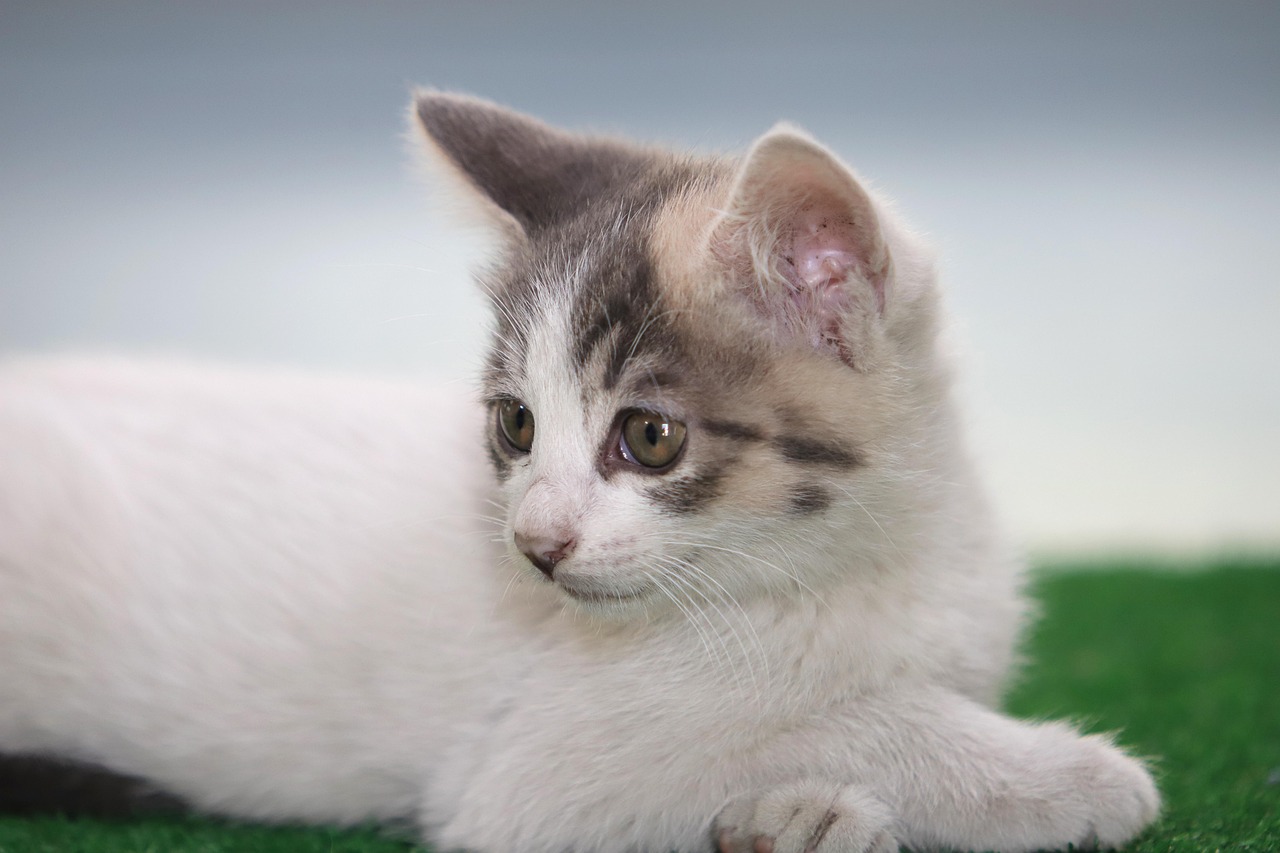
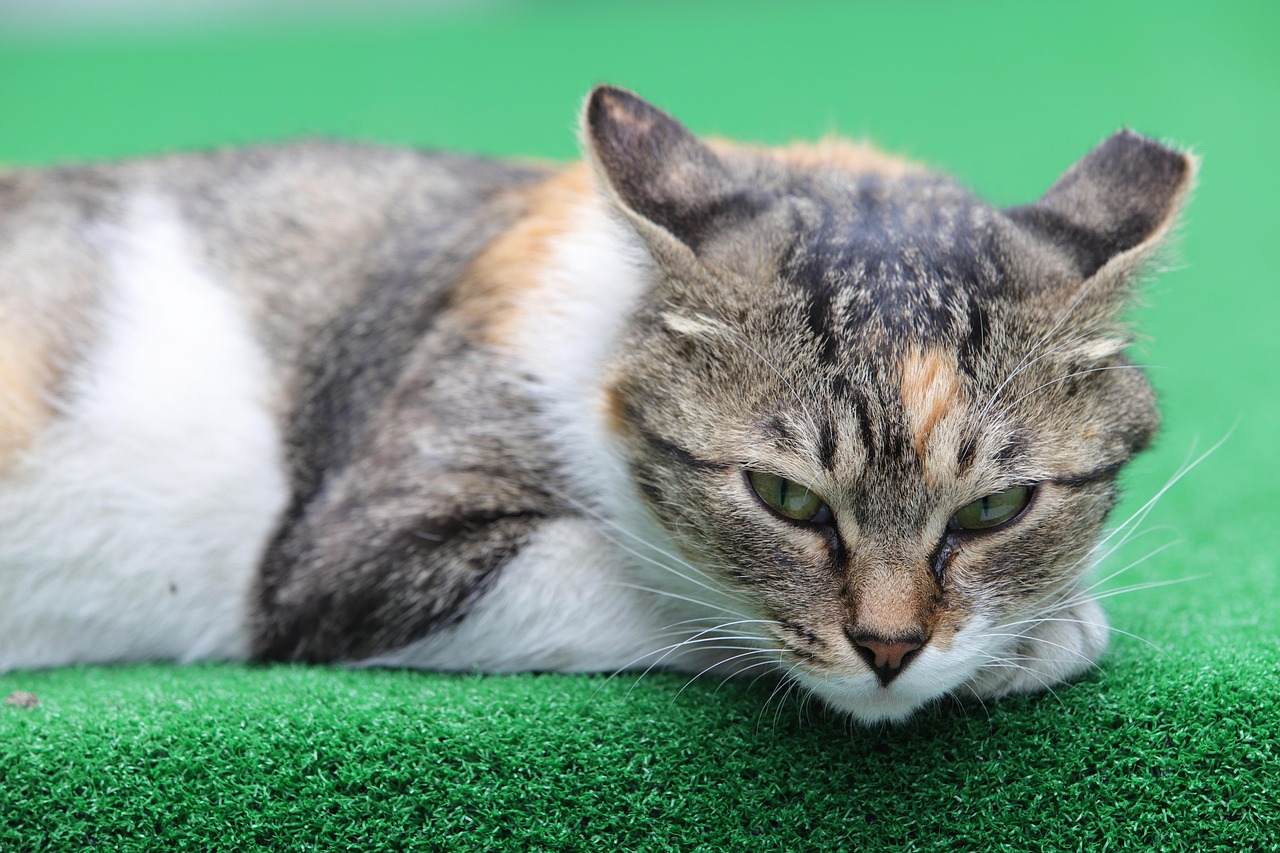
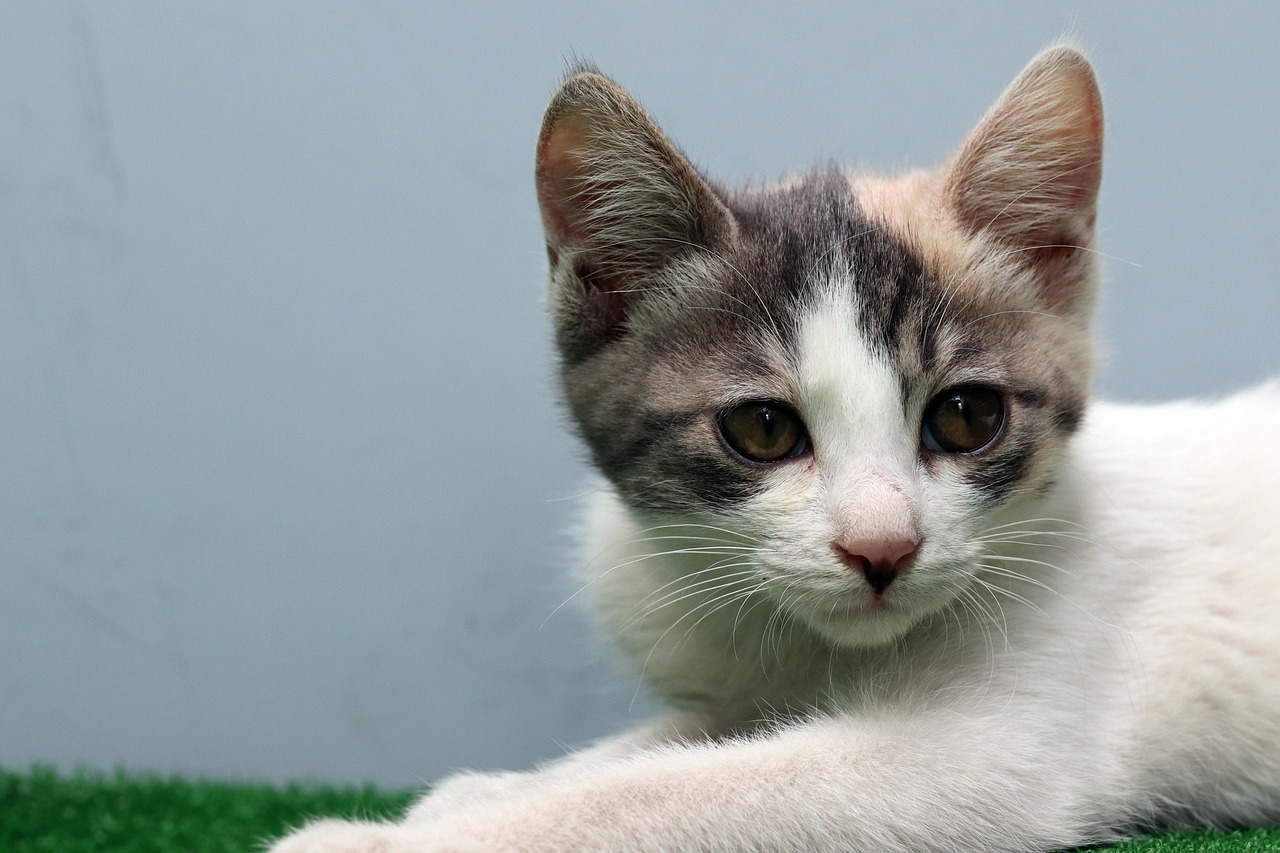
Three easy steps to turn any document into editable text — with a happy cat on duty the whole time.

Drag & drop a PDF, image or document, or browse from your device. Large documents are processed in batches to stay fast.
Our engine automatically detects the language (19+ supported) and extracts text from every page, image or cell.
Grab your editable .txt file instantly. Results auto-delete from the cloud after 2 days by default.
Turn any PDF, image or document into a narrated MP3 you can listen to anywhere — no signup needed.

Drop in a PDF, scanned image or document — or simply paste plain text. Every page is read and digitized, so long reports and book chapters convert without crashing.

Choose from 119+ natural voices in 41+ languages and tune speed and pitch to taste. Or use My Voice — upload a short clip and we match a voice tuned to your pitch and pace.
Hit Generate Audio and your narrated MP3 is ready in minutes. Listen online right away, or download it and enjoy your documents on the go.
Every file converts to a single narrated MP3 in the voice you pick. Works offline-free, right in your browser-friendly studio.
19+ languages detected automatically — Tamil, English, Hindi, Arabic and more.

Batch page processing keeps large PDFs quick and memory-efficient.
No account needed for basic use. Files auto-delete after your chosen time.
PDF, images, DOCX, PPTX, XLSX, CSV, RTF, ODT, HTML, XML, JSON & more.
Upload a text file and translate it between 30+ languages in one step.

Convert your ebook or document to an audiobook — PDF → translated → narrated MP3 in one go, saved to My Downloads.
Choose a voice, tune speed and pitch, preview your text before converting, then save to cloud.
Fully mobile-responsive. Use it on your phone, tablet or desktop.
Results are stored securely in the cloud and automatically deleted after 2 days — total privacy.
Try one free scan instantly. Sign in with Google for 50 free credits every month and recall.
Our furry staffJust like our mascots, Meow OCR extracts every word — and keeps your documents purr-fectly private. 🐾
Yes. Converting files to text is completely free with no signup for your first scan, and 50 free credits every month after a free Google sign-in.
Tamil, English, Hindi, Telugu, Bengali, Kannada, Malayalam, Gujarati, Punjabi, Marathi, Arabic, Spanish, French, German, Italian, Russian, Chinese, Japanese and Korean — with auto-detection.
Yes. Large multi-page PDFs are processed in batches to stay fast, so even big documents convert smoothly.
Files are processed securely on the server and automatically deleted from cloud storage after 2 days (privacy auto-delete). No account or personal details are needed for basic use.
Yes. The Handwritten Notes scanner uses a dedicated AI vision model to read photos of handwriting — Tamil, Hindi, English and more — and gives you clean editable text instantly. You'll find it right below the upload section on the homepage.
Yes. The free Audiobook tool converts PDFs, images, Word docs or pasted text into a natural-sounding MP3 — using a neural AI voice or your own cloned voice. Records stay in My Downloads for easy playback.
Absolutely. The whole tool is mobile-responsive and works great on phones and tablets.